Live with your family
Everyone sees checks and new items as they happen. “Need anything?” sends a quick ask from the store.
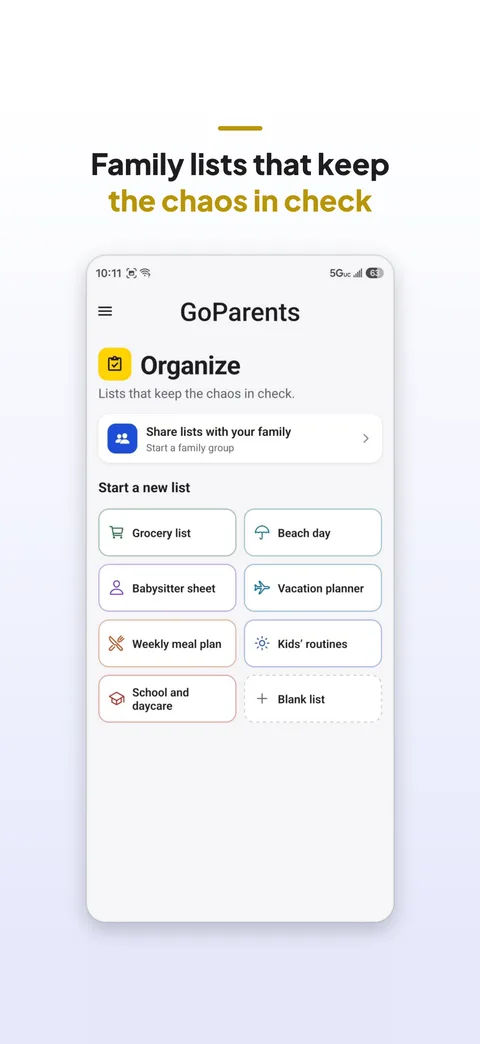
Grocery lists, babysitter sheets, vacation plans and routines, shared live with your family, with reminders. Because “I’ll remember” is a dangerous game.
Everyone sees checks and new items as they happen. “Need anything?” sends a quick ask from the store.
When everything’s checked, the checks clear and your items stay for next time.
A babysitter sheet with phone numbers and house rules, a day-by-day vacation planner, and more.
Lists stay on your phone unless you share them. Sharing never shares your location.
Open the list, tap Share with family, and invite them with a link. You’ll both edit it live.
Yes. Tap the bell next to a section title and pick a time.
It stays on your phone unless you share it with your family group.