DANGER ALERT
Press and hold for 2 seconds. Everyone you share with gets an urgent alert with your location, even with GoParents closed.
At the park, the mall or the fair: share locations with the people you choose, for as long as you choose, up to 7 days. And if something’s wrong, a DANGER ALERT reaches them right away.
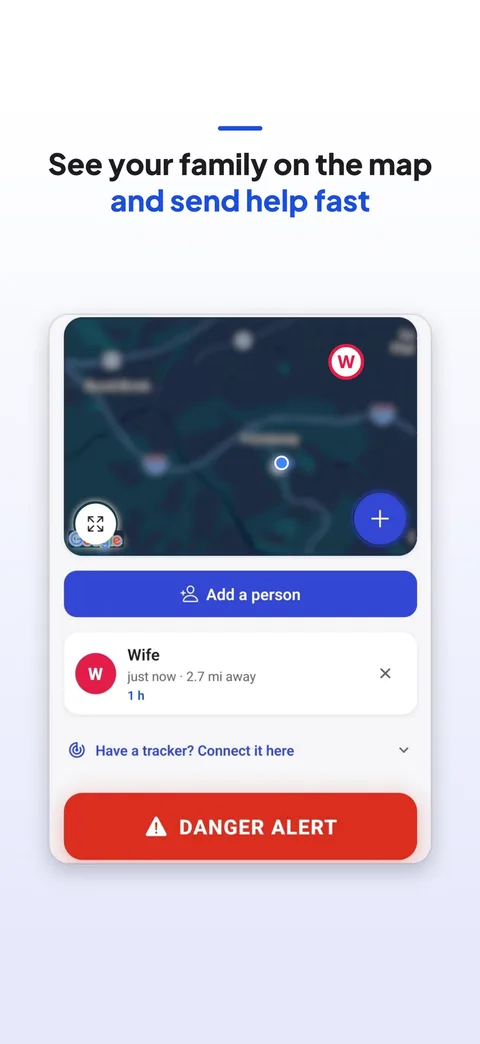
Press and hold for 2 seconds. Everyone you share with gets an urgent alert with your location, even with GoParents closed.
Save your child’s AirTag, Galaxy SmartTag, Google Find Hub tag or Tile once. A big Find button opens the tracker’s own app.
Only people you invite, only for the time you pick, and you can stop any time.
You can choose whether your location keeps updating when the app is closed. Either way, sharing stops when the time is up.
Only people you invite and who accept, and only until the time you picked runs out.
It tells everyone you share with that something’s wrong and shows them where you are. Call 911 if you need help.
No. GoParents opens the tracker’s own app (like Find My) with one tap. The location stays with Apple, Samsung, Google or Tile.